AI Thai ID Photo Generator
Create professional passport photos, visa photos, and ID photos with AI. Choose from 16+ dress categories including business suits, uniforms, and Thai traditional dress.
8 IC per Photo
Instant Results
140+ Dress Styles
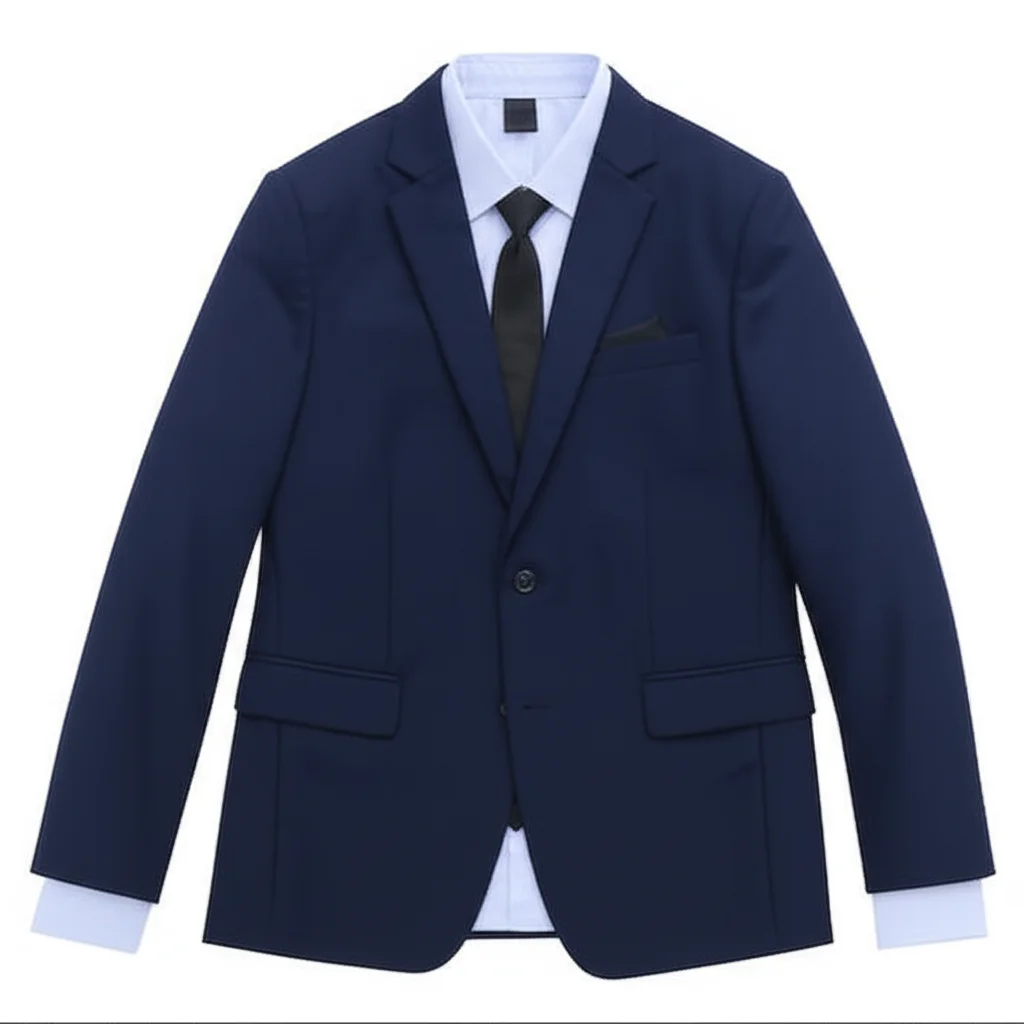
Business Suit
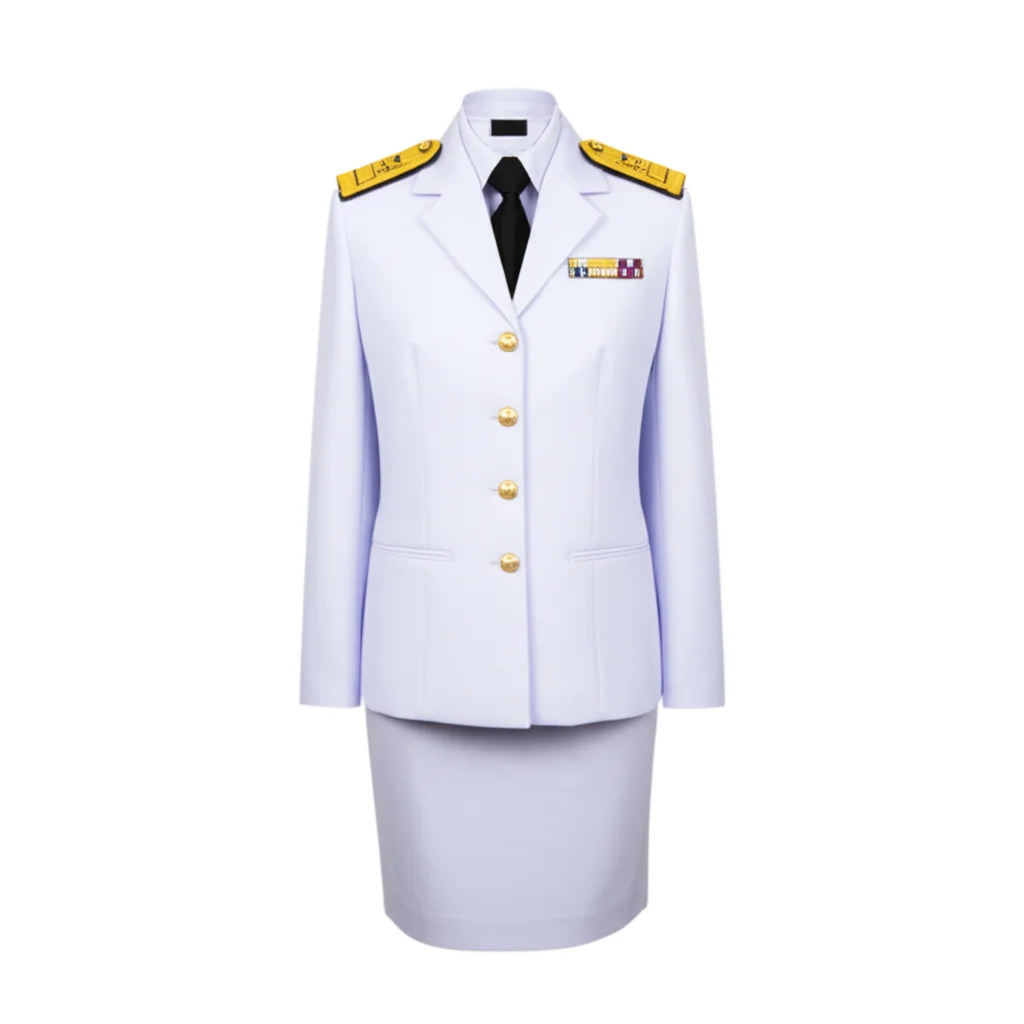
Government

Thai Traditional
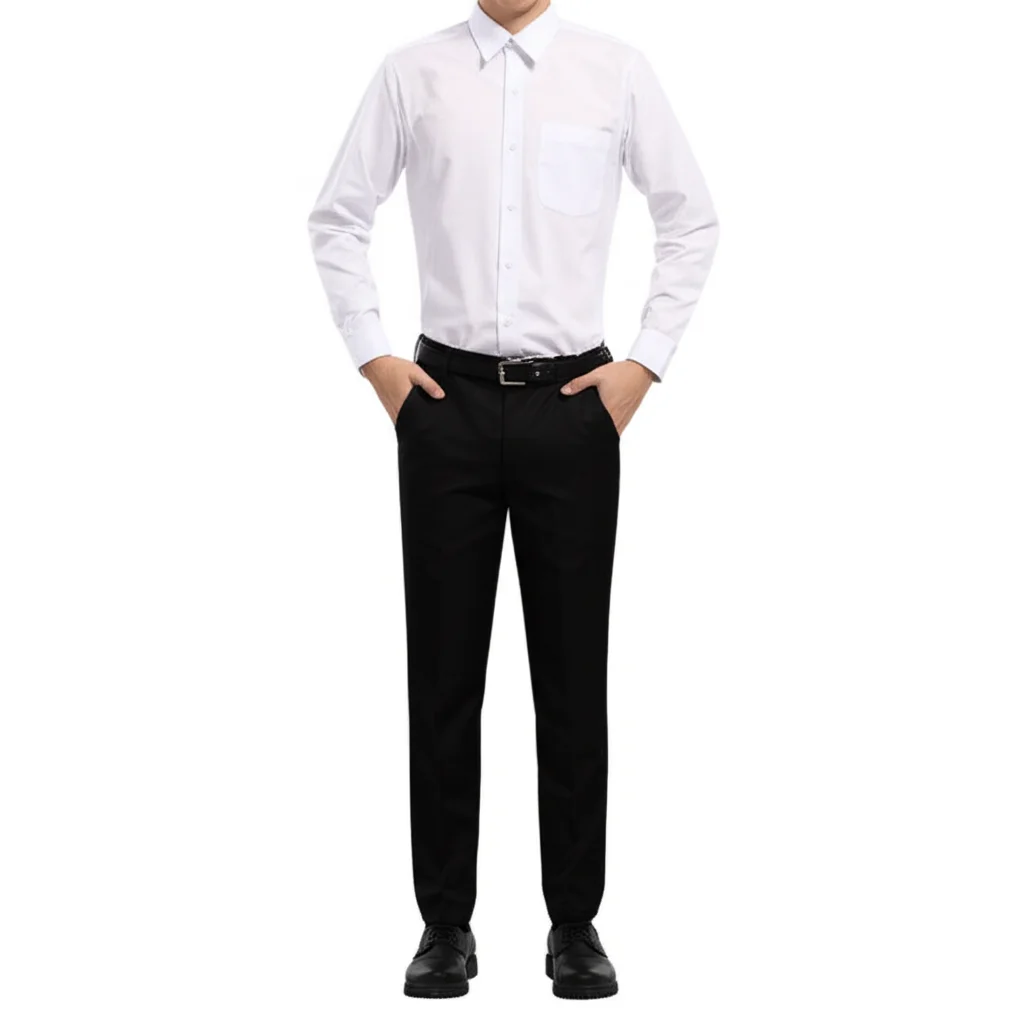
University

Doctor

Airline Crew
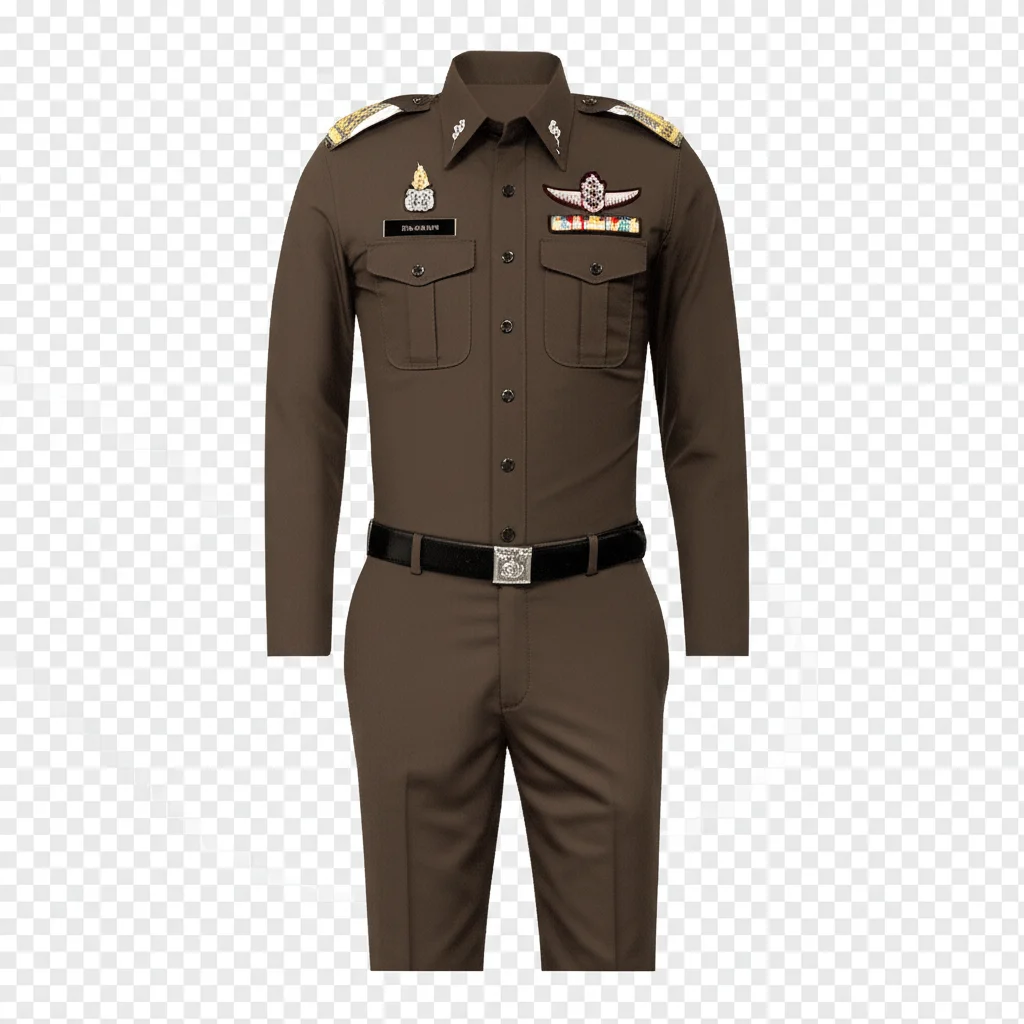
Police

Military
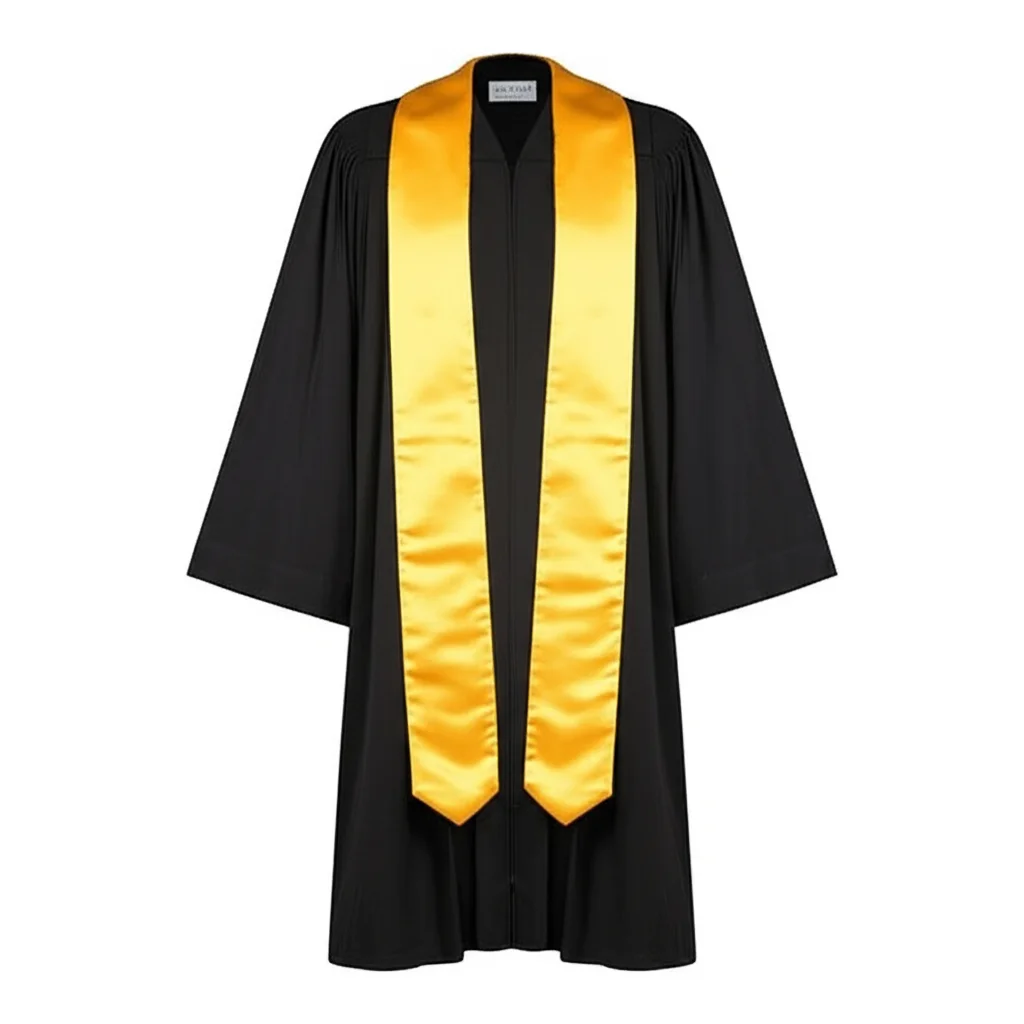
Lawyer

Chef
Create Your ID Photo Now
Upload your face photo, select a dress style, and generate a professional ID photo in seconds!
Create Professional ID Photos
ID photo generation is a premium feature. Log in with a paid iApp account to start creating professional ID photos.
Premium feature — purchase any iApp credit package once to unlock.
We do NOT collect or store your images. All uploaded photos are automatically deleted immediately after generation. We strictly comply with PDPA (Personal Data Protection Act) policy.
1Upload Your Face Photo
Upload a clear front-facing photo of your face. Best results with good lighting and neutral expression.
Click or drag to upload face photo
JPG, PNG, WebP (max 10MB)2Select Gender
3Select Dress / Uniform
3aSelect Category
5Photo Options
How to Use
Upload Face Photo
Upload a clear front-facing photo of your face with good lighting.
Select Dress Style
Choose gender, category, and pick your preferred dress from 140+ options.
Choose Options
Select background color and photo size (International 35x45mm or US 2x2").
Generate & Download
Click generate and download your professional ID photo instantly!
Available Dress Categories
Business Suits
สูทธุรกิจ
Government Uniform
ชุดข้าราชการ
University Student
นิสิตนักศึกษา
High School
นักเรียนมัธยม
Thai Traditional
ชุดไทย
Doctor/Medical
แพทย์
Nurse
พยาบาล
Police
ตำรวจ
Military
ทหาร
Teacher
ครู-อาจารย์
Lawyer/Judge
ทนายความ-ผู้พิพากษา
Airline Crew
พนักงานสายการบิน
Hotel Staff
พนักงานโรงแรม
Chef
เชฟ-พ่อครัว
Engineer
วิศวกร
Scout
ลูกเสือ-เนตรนารี
Tips for Best Results
Good Lighting
Use natural light or well-lit environment. Avoid harsh shadows on your face.
Face the Camera
Look directly at the camera with a neutral expression. Keep your face centered.
Plain Background
Original photo works best with a plain or simple background.
Avoid
Sunglasses, hats, heavy filters, or photos where your face is partially covered.
Photo Size Standards
| Type | Size | Common Use |
|---|---|---|
| International/EU | 35mm x 45mm (1.4" x 1.8") | Thai Passport, EU Visas, Thai ID Card |
| US Standard | 2" x 2" (51mm x 51mm) | US Visa, US Passport, Green Card |
Background Color Guide
| Color | Recommended For |
|---|---|
| Light Blue | Thai ID card, Thai passport (most common) |
| White | International passport, US visa, professional photos |
| Dark Blue | Government documents, corporate IDs |
| Red | Some Asian country documents |
Frequently Asked Questions
How much does each ID photo cost? Each photo generation costs 8 iApp Credits (IC). ID photo generation is a premium feature — purchase any iApp credit (IC) package once to unlock it.
What format are the generated photos? Photos are generated in PNG format, suitable for both digital use and printing.
Can I use these photos for official documents? The photos are designed to meet passport/visa photo requirements. However, please verify with the specific agency or embassy for their exact requirements.
Which universities are included? We include uniforms from major Thai universities including Chulalongkorn, Thammasat, Mahidol, and Kasetsart.
Can I generate photos without signing up? No — ID photo generation is a premium feature. Create an iApp account and purchase any credit (IC) package once to unlock it.