OCR เอกสารทั่วไปภาษาไทย
General Thai Document OCR API แปลงเอกสารสิ่งพิมพ์ภาษาไทยและภาษาอังกฤษให้เป็นข้อความที่เครื่องอ่านได้ รองรับไฟล์รูปภาพ (PNG, JPEG) ไฟล์ PDF และเอกสาร Microsoft Office โดยให้ผลลัพธ์เป็นข้อความธรรมดา JSON แบบมีโครงสร้างตามเค้าโครงเอกสาร หรือไฟล์ Microsoft Word, PowerPoint, Excel หรือ PDF ที่ค้นหาข้อความได้ ที่สร้างขึ้นให้ ระบบที่ให้บริการจริงประมวลผลหน้าข้อความธรรมดาหนึ่งหน้าในเวลา 0.53 วินาที (ค่ามัธยฐาน) และรองรับอัตราการประมวลผลต่อเนื่อง 4.28 หน้าต่อวินาที หรือมากกว่า 15,000 หน้าต่อชั่วโมง ความแม่นยำระดับตัวอักษรที่วัดได้อยู่ที่ร้อยละ 94.8 บนชุดทดสอบสาธารณะอิสระซึ่งประกอบด้วยเอกสารราชการไทยที่ผ่านการสแกน ดูรายละเอียดที่หัวข้อความแม่นยำ
ทดลองใช้งาน
อัปโหลดเอกสารของท่าน หรือเลือกเอกสารตัวอย่างด้านล่าง
ทดลองใช้ AI Demo
เข้าสู่ระบบหรือสร้างบัญชีฟรีเพื่อใช้งาน AI Demo และสำรวจ API ที่ทรงพลังของเรา
รับ 50 เครดิตฟรี (IC) เมื่อสมัครสมาชิก!
โปรโมชันหมดเขต 31 ธันวาคม 2568
Example Images (Click to try)

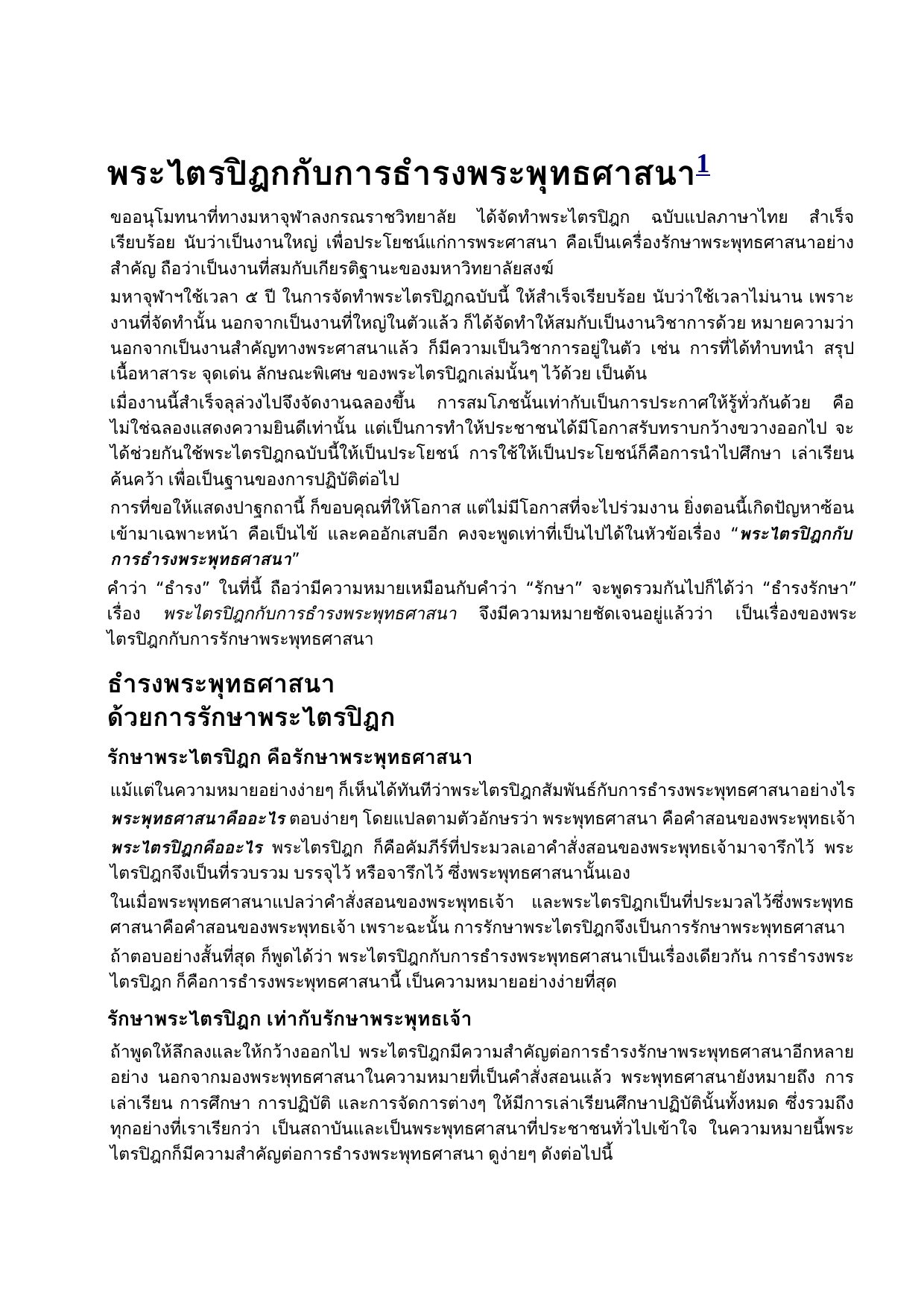
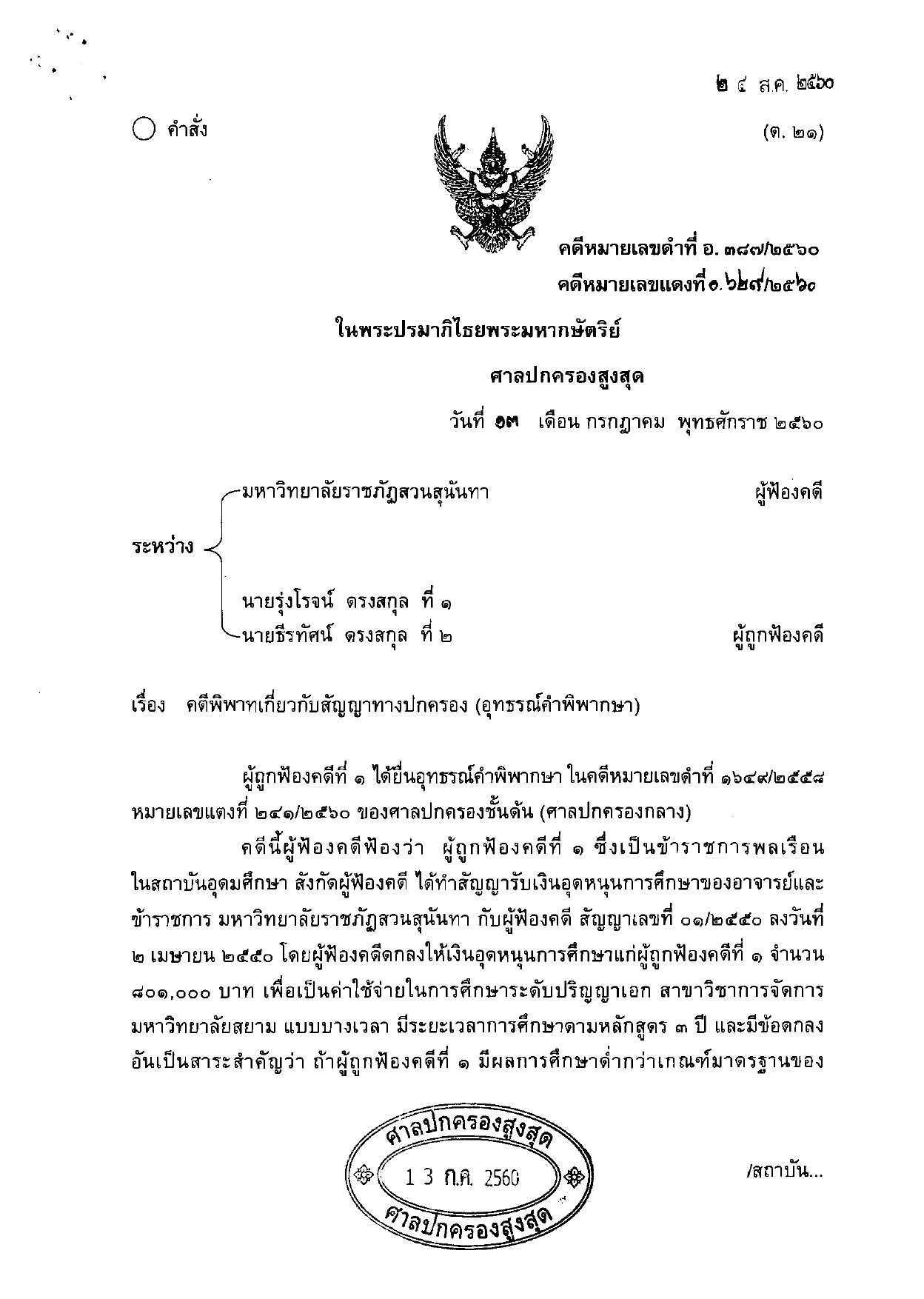
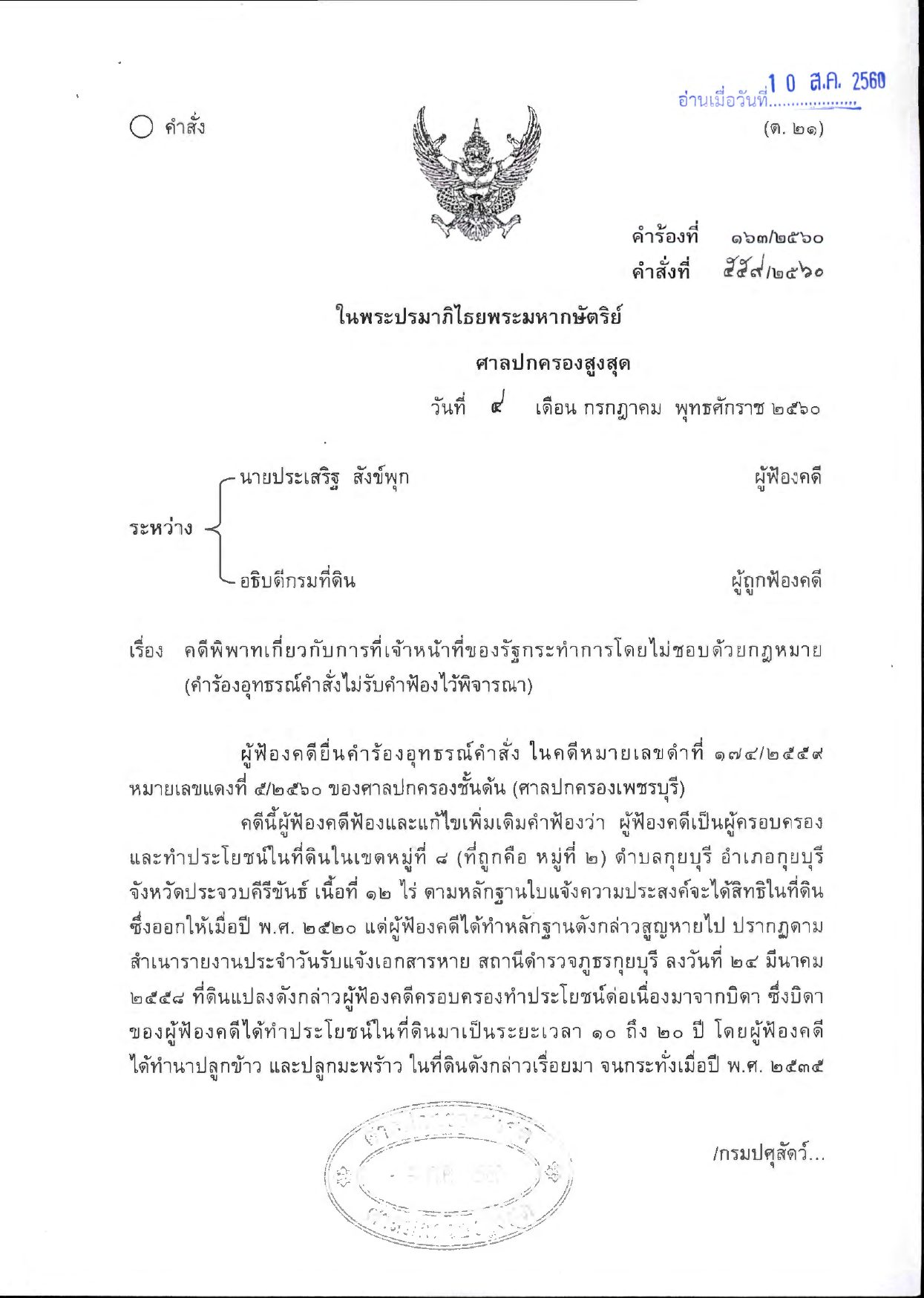
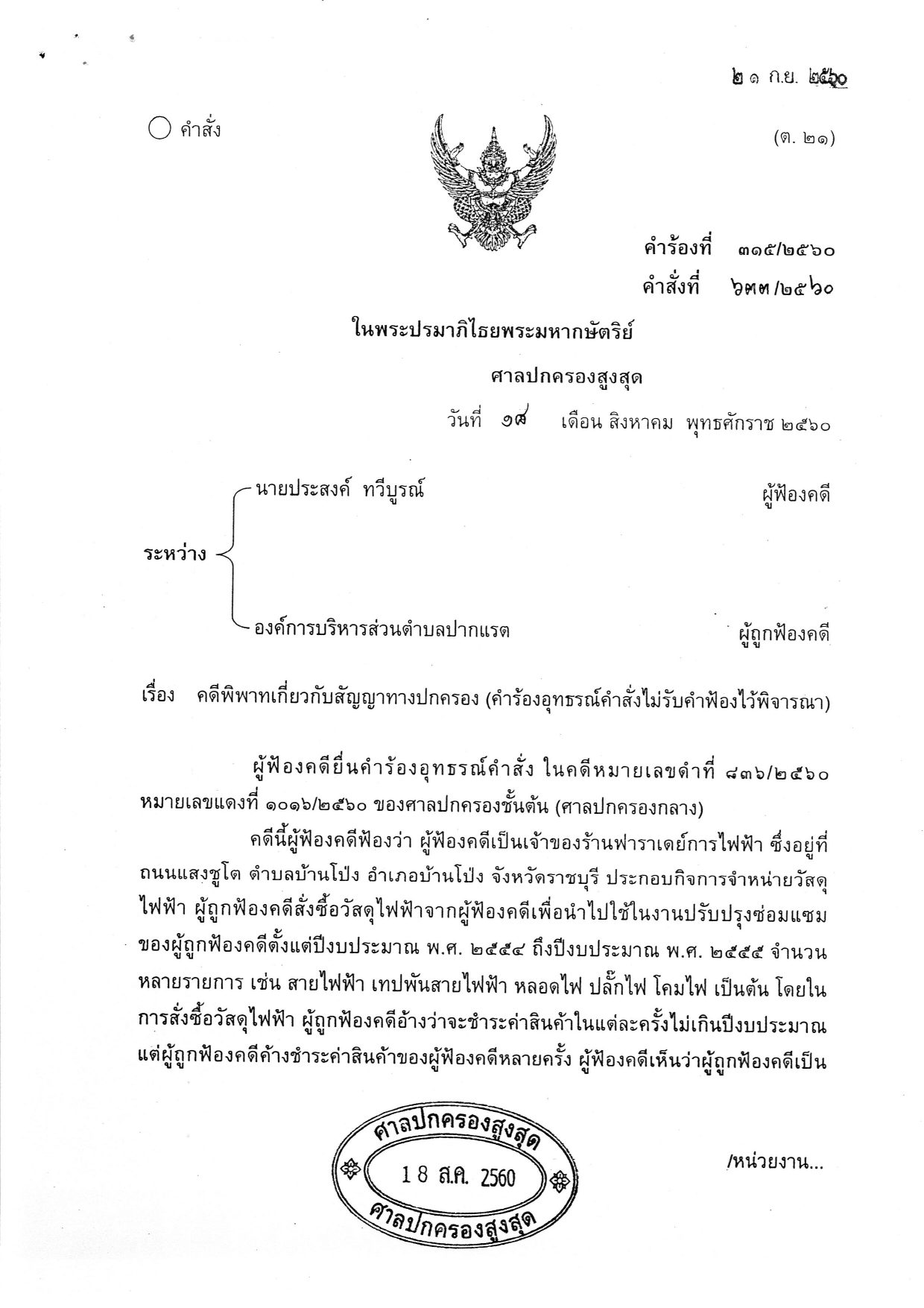
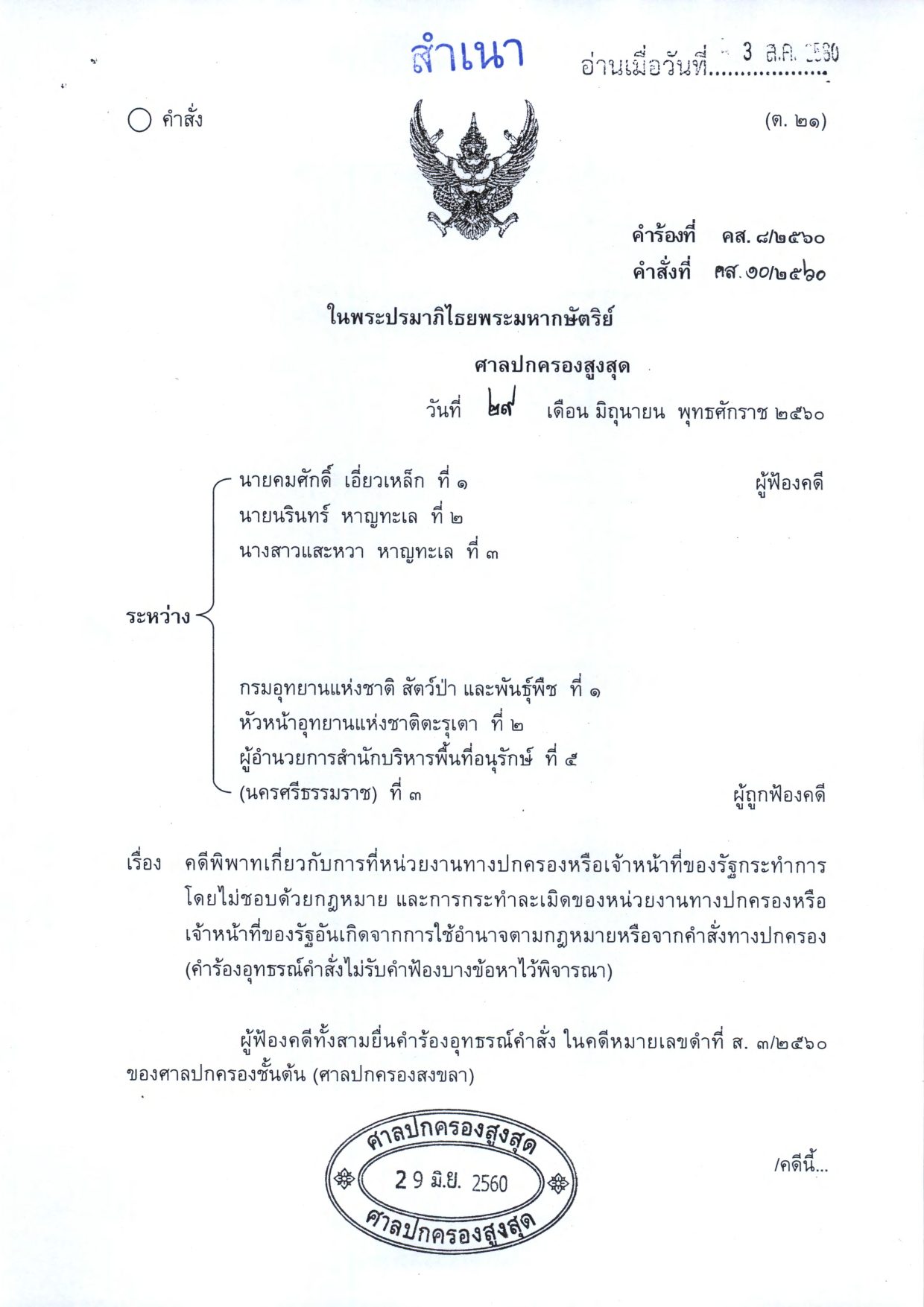
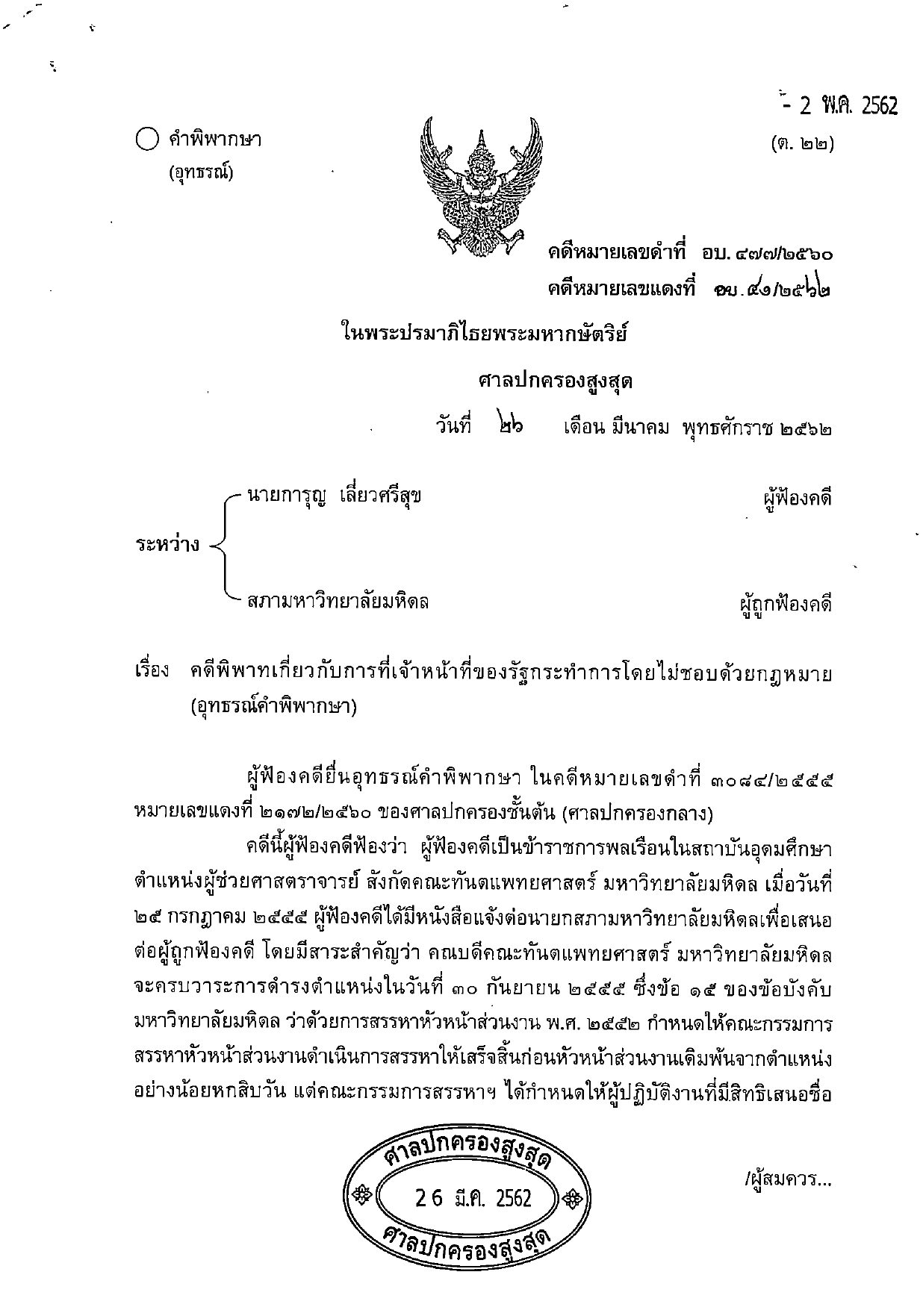
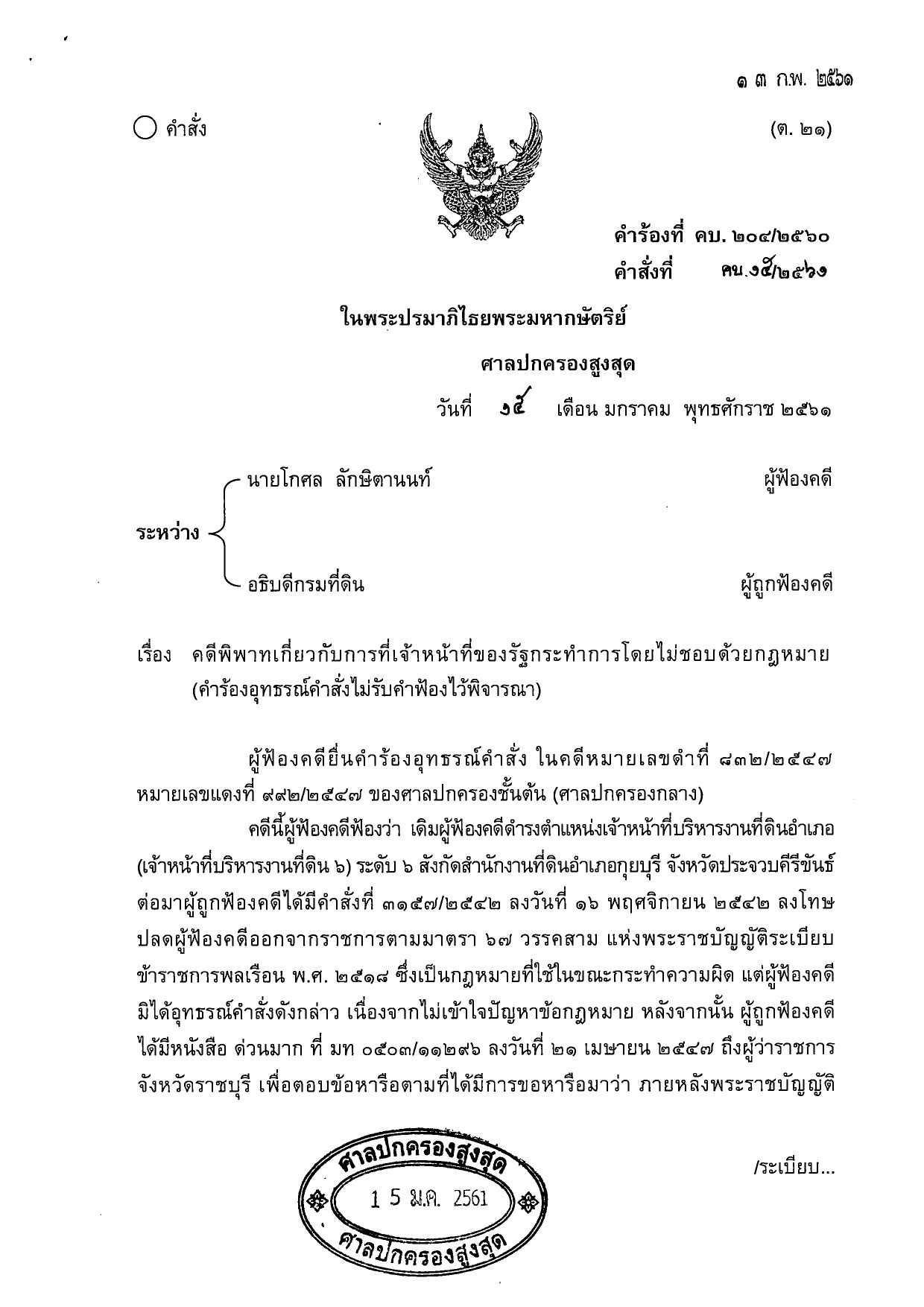
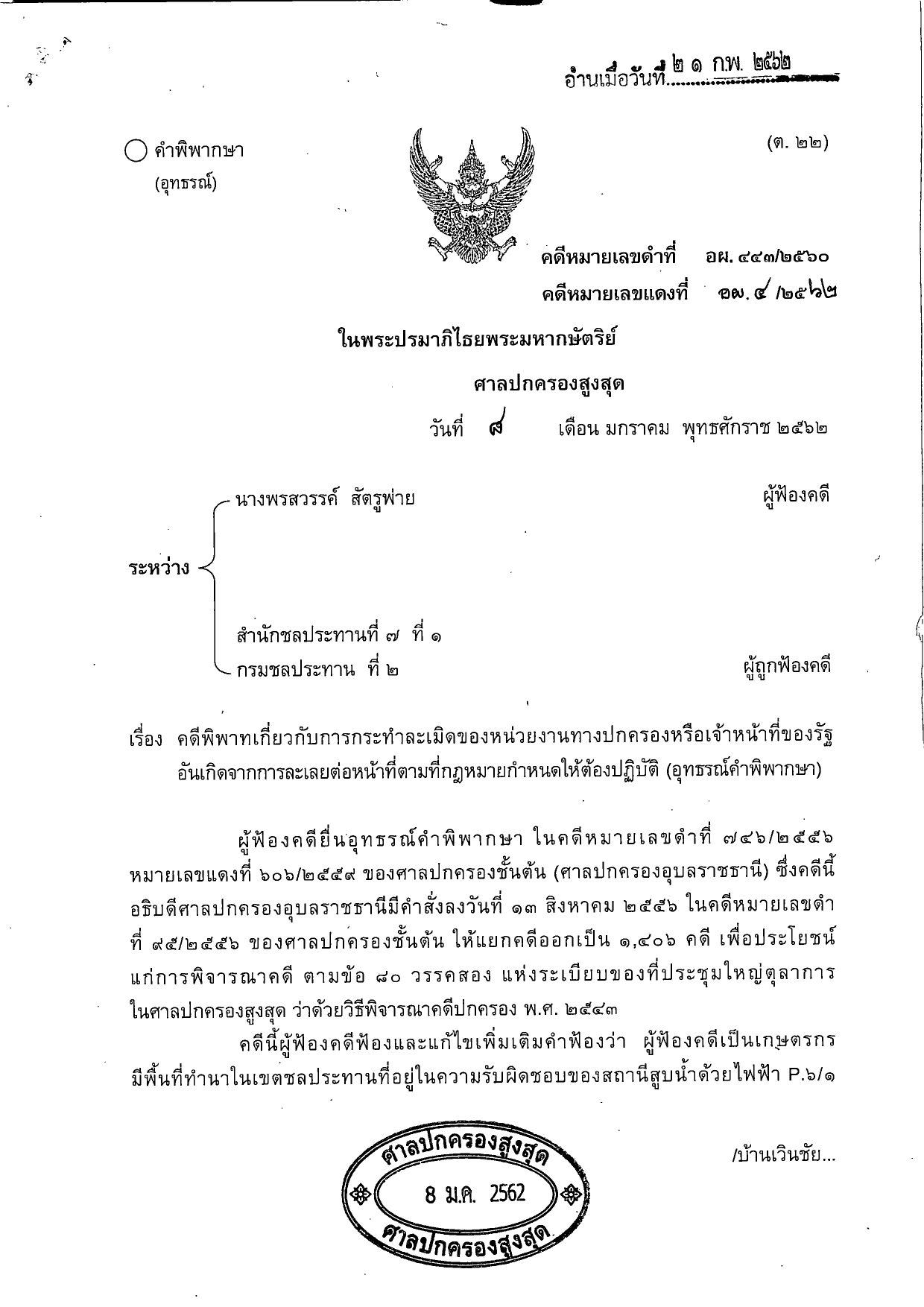
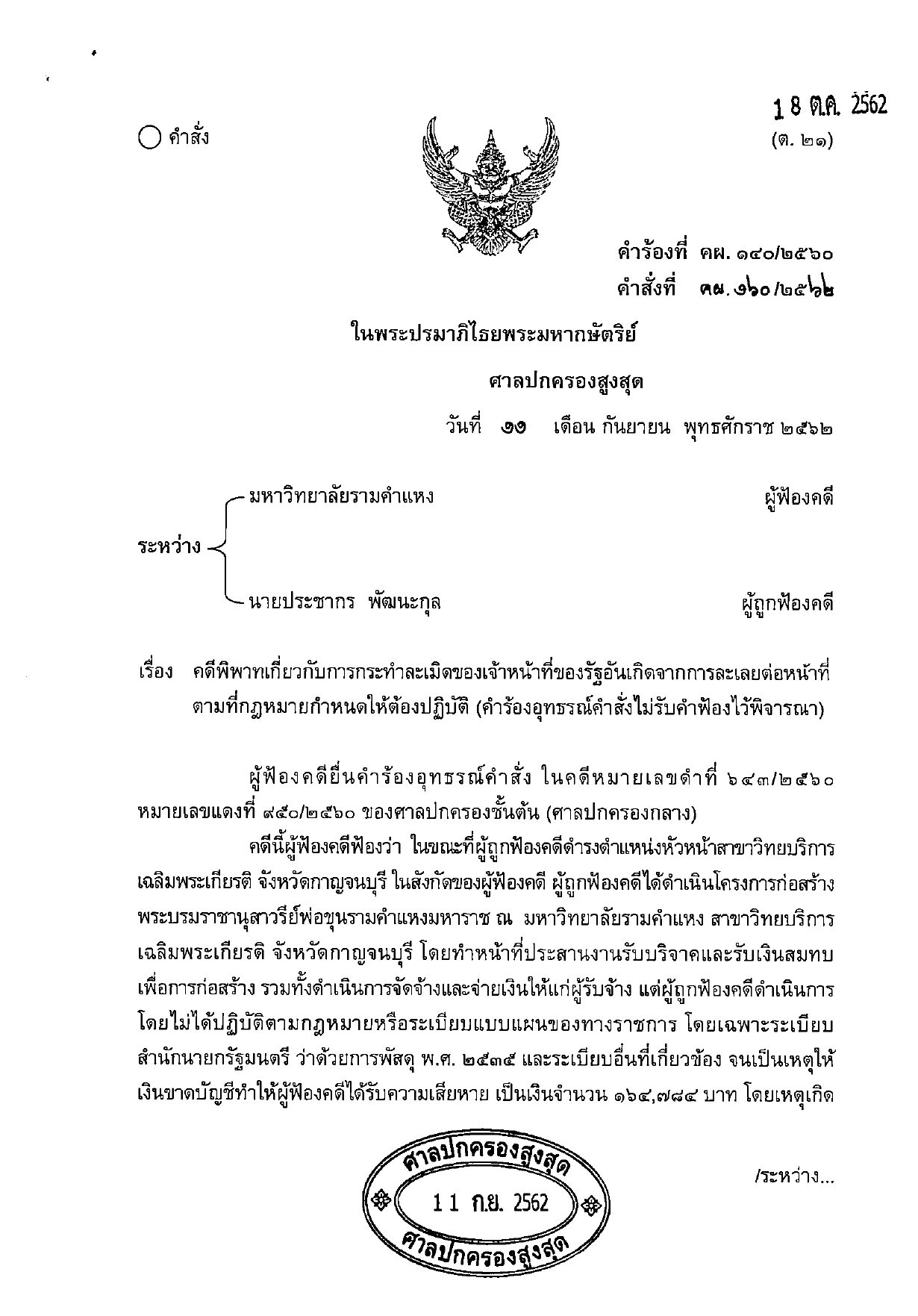
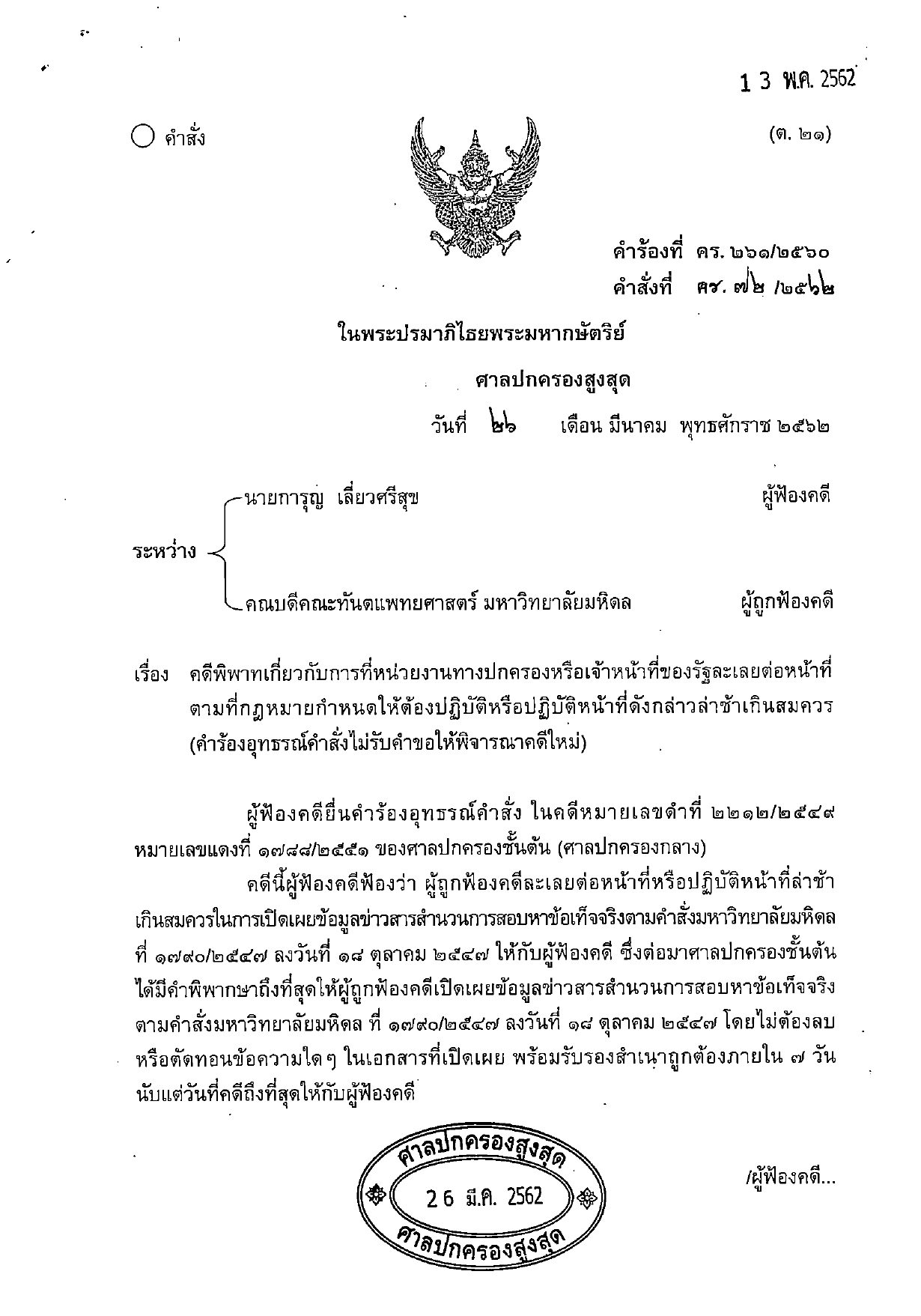
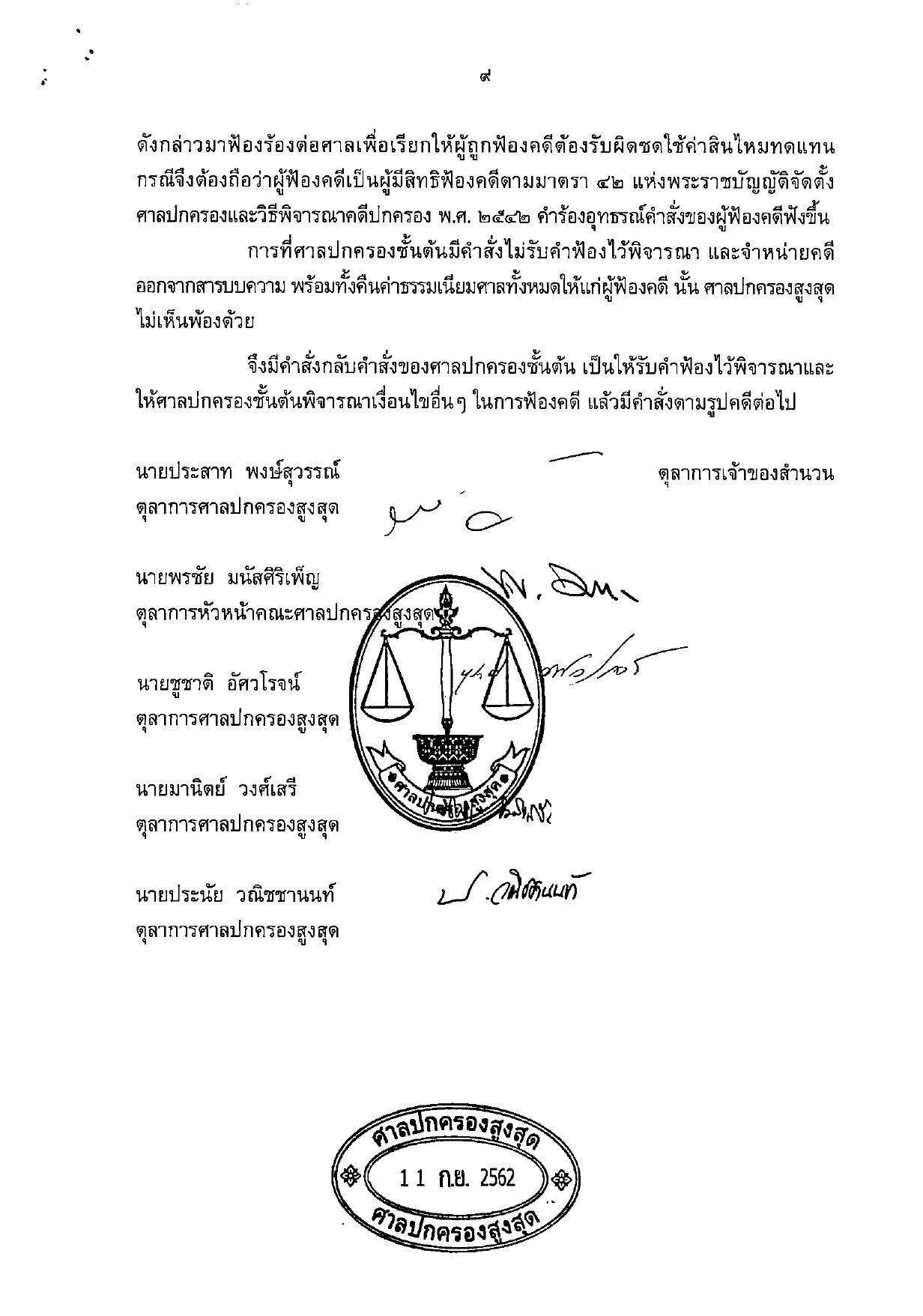
เริ่มต้นใช้งานอย่างรวดเร็ว
ท่านต้องมี API key จาก iApp AI Portal จากนั้นส่งเอกสารในรูปแบบ multipart/form-data:
curl -X POST https://api.iapp.co.th/v3/store/ocr/document/ocr \
  -H "apikey: YOUR_API_KEY" \
  -F "file=@document.pdf"
{
    "text": ["ด่วนที่สุด\nที่ มท ๐๔๐๒.๖ ..."],
    "time": 0.53,
    "iapp": { "page": 1, "char": 1376 }
}
ตัวอย่างโค้ดสำหรับ Python, JavaScript, PHP, Swift, Kotlin, Java และ Dart อยู่ในส่วนเอกสารอ้างอิงทางเทคนิค
Endpoint และราคา
ทุก endpoint รับข้อมูลนำเข้าแบบเดียวกันและคิดค่าบริการ 1 IC ต่อหน้าเอกสารนำเข้า โปรดเลือก endpoint ตามรูปแบบผลลัพธ์ที่ต้องการ
| Endpoint | ผลลัพธ์ | ราคา |
|---|---|---|
POST /v3/store/ocr/document/ocr | ข้อความธรรมดา | 1 IC ต่อหน้า |
POST /v3/store/ocr/document/layout | JSON พร้อมข้อความ กรอบพิกัด (bounding box) และประเภทส่วนประกอบ | 1 IC ต่อหน้า |
POST /v3/store/ocr/document/docx | ลิงก์ดาวน์โหลดไฟล์ Microsoft Word (.docx) ที่สร้างขึ้นให้ | 1 IC ต่อหน้า |
POST /v3/store/ocr/document/pptx | ลิงก์ดาวน์โหลดไฟล์ Microsoft PowerPoint (.pptx) ที่สร้างขึ้นให้ | 1 IC ต่อหน้า |
POST /v3/store/ocr/document/xlsx | ลิงก์ดาวน์โหลดไฟล์ Microsoft Excel (.xlsx) ที่สร้างขึ้นให้ | 1 IC ต่อหน้า |
POST /v3/store/ocr/document/searchablePDF | ลิงก์ดาวน์โหลดไฟล์ PDF ที่ค้นหาข้อความได้ (หน้าเอกสารเดิมพร้อมชั้นข้อความที่เลือกและคัดลอกได้) | 1 IC ต่อหน้า |
ทุก endpoint ยังเรียกใช้ผ่านเส้นทางเดิมภายใต้ prefix /document-ocr ได้เช่นกัน เช่น /document-ocr/pptx สำหรับการติดตั้งแบบ on-premise โปรดดูหัวข้อความปลอดภัยของข้อมูล
ประสิทธิภาพ
วัดผลจากระบบที่ให้บริการจริง เดือนสิงหาคม 2026
| รายการ | ค่าที่วัดได้ |
|---|---|
| เวลาประมวลผลมัธยฐาน (ข้อความธรรมดา) | 0.53 วินาทีต่อหน้า |
| อัตราการประมวลผลต่อเนื่อง | 4.28 หน้าต่อวินาที (15,400 หน้าต่อชั่วโมง) |
| ขนาดไฟล์สูงสุด | 30 MB |
| รูปแบบไฟล์นำเข้าที่รองรับ | PNG, JPEG, PDF, DOC, DOCX, XLS, XLSX, PPT, PPTX |
ความแม่นยำ
ความแม่นยำวัดจากชุดทดสอบอิสระที่เผยแพร่ต่อสาธารณะ ได้แก่ เอกสารสแกนจำนวน 242 หน้า จากคำพิพากษาศาลปกครองไทย 20 คดี โดยเปรียบเทียบผลลัพธ์กับเอกสารต้นฉบับ
| ตัวชี้วัด | ผลลัพธ์ |
|---|---|
| อัตราความผิดพลาดระดับตัวอักษร (CER) | 5.2% (ความแม่นยำระดับตัวอักษร 94.8%) |
| อัตราความผิดพลาดระดับคำ (WER) | 7.0% (ความแม่นยำระดับคำ 93.0%) |
| การวิเคราะห์เค้าโครงเอกสาร | 96.97% AP |
การวัดผลนี้นับทุกความแตกต่างระหว่างผลลัพธ์ OCR กับเอกสารต้นฉบับเป็นข้อผิดพลาด รวมถึงส่วนหัวกระดาษและความแตกต่างที่เกิดจากการจัดพิมพ์ ตัวเลขข้างต้นจึงเป็นค่าประเมินอย่างระมัดระวัง เอกสารที่พิมพ์ชัดเจนและสแกนอย่างมีคุณภาพจะได้ผลลัพธ์ที่สูงกว่านี้ ระเบียบวิธีการวัดผลฉบับเต็ม ผลลัพธ์รายเอกสาร และการเปรียบเทียบกับบริการ cloud OCR ชั้นนำระดับโลก เผยแพร่ไว้ในรายงานผลการทดสอบ (whitepaper):
ดาวน์โหลดรายงานผลการทดสอบ (PDF)
ความปลอดภัยของข้อมูลและการปฏิบัติตามข้อกำหนด
- บริการนี้เป็นไปตามข้อกำหนด GDPR และ PDPA
- เอกสารที่อัปโหลดจะถูกใช้เพื่อสร้างผลลัพธ์ตามที่ร้องขอเท่านั้น
- ลิงก์ดาวน์โหลดที่สร้างขึ้นจะหมดอายุภายใน 10 นาที และไฟล์ที่สร้างขึ้นจะถูกลบออกจากเซิร์ฟเวอร์ภายในหนึ่งชั่วโมง
- มีบริการติดตั้งแบบ on-premise ที่ทำงานได้สมบูรณ์ในตัวเอง โดยข้อมูลเอกสารจะไม่ออกนอกโครงสร้างพื้นฐานของท่าน ติดต่อเรา เพื่อสอบถามรายละเอียด
เอกสารอ้างอิงทางเทคนิค
คำขอ (Request)
ทุก endpoint รับข้อมูลแบบ multipart/form-data พร้อม header apikey
| ฟิลด์ | จำเป็น | คำอธิบาย |
|---|---|---|
file | จำเป็น หากไม่ได้ใช้ base64 | ไฟล์เอกสาร ได้แก่ รูปภาพ PDF หรือไฟล์ Microsoft Office |
base64 | ไม่ | รูปภาพหนึ่งรูปในรูปแบบสตริง Base64 ใช้แทน file ได้ |
email | ไม่ | หากระบุ ระบบจะส่งผลลัพธ์ไปยังอีเมลนี้แทนการส่งกลับใน response |
ทุก response จะมี header iapp-input-pages ระบุจำนวนหน้าของเอกสารนำเข้า ซึ่งเท่ากับจำนวน IC ที่คิดค่าบริการ
การตอบกลับ (Response)
/ocr ส่งคืนข้อความหนึ่งสตริงต่อหนึ่งหน้า:
{
    "text": ["ด่วนที่สุด\nที่ มท ๐๔๐๒.๖ มั่นคงและชุมชนพึ่งตนเองได้\nภายในปี ๒๕๖๕ ..."],
    "time": 0.53,
    "iapp": { "page": 1, "char": 1376 }
}
/layout ส่งคืนส่วนประกอบที่ตรวจพบในแต่ละหน้า พร้อมข้อความ กรอบพิกัด (ในระบบพิกัดของหน้า) และประเภทของส่วนประกอบ:
{
    "pages": [
        {
            "page": 1,
            "components": [
                {
                    "text": "หนังสือรับรองผลงาน",
                    "bb_left": 282.3, "bb_top": 165.2, "bb_right": 374.6, "bb_bottom": 184.7,
                    "type": "CenTitle"
                },
                {
                    "text": "หนังสือรับรองฉบับนี้ออกให้เพื่อรับรองว่า ...",
                    "bb_left": 120.1, "bb_top": 194.7, "bb_right": 560.1, "bb_bottom": 271.1,
                    "type": "Para1"
                }
            ]
        }
    ],
    "time": 1.84,
    "iapp": { "page": 1, "char": 1673 }
}
/docx, /pptx, /xlsx และ /searchablePDF ส่งคืนลิงก์ดาวน์โหลดแบบมีลายเซ็นกำกับ (signed link) โดยลิงก์มีอายุการใช้งาน 10 นาที:
{
    "path": "https://api.iapp.co.th/document-ocr/files/pZWNyZXQtZXhhbXBsZS10b2tlbg...",
    "time": 1.72,
    "iapp": { "pages": 1, "char": 1229 }
}
ประเภทส่วนประกอบของเค้าโครง
ฟิลด์ type ของแต่ละส่วนประกอบใน response ของ /layout เป็นค่าใดค่าหนึ่งดังต่อไปนี้
| กลุ่ม | ประเภท |
|---|---|
| ชื่อเรื่องและเนื้อความ | CenTitle, Para1 – Para5, BodyText3, Text, TextBox |
| รายการ | List, ListNum1 – ListNum4, ListCon1 – ListCon4 |
| บล็อกย่อหน้าเยื้อง | Indent1 – Indent5 |
| ตาราง | Table, TableLike |
| องค์ประกอบประจำหน้า | Header, Footer, Date, NextPage, UpperLeft, UpperRight, TopRight, BottomLeft, BottomRight |
| กราฟิก | Figure, Logo, LeftLogo |
| ลายเซ็น | Signature |
ตัวอย่างโค้ด
- cURL
- Python
- JavaScript
- PHP
- Swift
- Kotlin
- Java
- Dart
curl -X POST https://api.iapp.co.th/v3/store/ocr/document/ocr \
  -H "apikey: YOUR_API_KEY" \
  -F "file=@document.pdf"
import requests

url = "https://api.iapp.co.th/v3/store/ocr/document/ocr"
headers = {"apikey": "YOUR_API_KEY"}
files = {"file": open("document.pdf", "rb")}

response = requests.post(url, headers=headers, files=files)
print(response.json())
const axios = require("axios");
const FormData = require("form-data");
const fs = require("fs");

const data = new FormData();
data.append("file", fs.createReadStream("document.pdf"));

axios.post("https://api.iapp.co.th/v3/store/ocr/document/ocr", data, {
    headers: { apikey: "YOUR_API_KEY", ...data.getHeaders() },
})
    .then((response) => console.log(response.data))
    .catch((error) => console.log(error));
<?php
$curl = curl_init();

curl_setopt_array($curl, array(
    CURLOPT_URL => 'https://api.iapp.co.th/v3/store/ocr/document/ocr',
    CURLOPT_RETURNTRANSFER => true,
    CURLOPT_POST => true,
    CURLOPT_POSTFIELDS => array(
        'file' => new CURLFILE('document.pdf')
    ),
    CURLOPT_HTTPHEADER => array(
        'apikey: YOUR_API_KEY'
    ),
));

$response = curl_exec($curl);
curl_close($curl);
echo $response;
?>
import Foundation

let url = URL(string: "https://api.iapp.co.th/v3/store/ocr/document/ocr")!
var request = URLRequest(url: url)
request.httpMethod = "POST"
request.addValue("YOUR_API_KEY", forHTTPHeaderField: "apikey")

let boundary = "Boundary-\(UUID().uuidString)"
request.setValue("multipart/form-data; boundary=\(boundary)", forHTTPHeaderField: "Content-Type")

var body = Data()
body.append("--\(boundary)\r\n".data(using: .utf8)!)
body.append("Content-Disposition: form-data; name=\"file\"; filename=\"document.pdf\"\r\n".data(using: .utf8)!)
body.append("Content-Type: application/pdf\r\n\r\n".data(using: .utf8)!)
if let fileData = try? Data(contentsOf: URL(fileURLWithPath: "document.pdf")) {
    body.append(fileData)
}
body.append("\r\n--\(boundary)--\r\n".data(using: .utf8)!)
request.httpBody = body

URLSession.shared.dataTask(with: request) { data, response, error in
    if let data = data {
        print(String(data: data, encoding: .utf8)!)
    }
}.resume()
import okhttp3.*
import okhttp3.MediaType.Companion.toMediaTypeOrNull
import okhttp3.RequestBody.Companion.asRequestBody
import java.io.File

val client = OkHttpClient()
val file = File("document.pdf")

val requestBody = MultipartBody.Builder()
    .setType(MultipartBody.FORM)
    .addFormDataPart("file", file.name, file.asRequestBody("application/pdf".toMediaTypeOrNull()))
    .build()

val request = Request.Builder()
    .url("https://api.iapp.co.th/v3/store/ocr/document/ocr")
    .addHeader("apikey", "YOUR_API_KEY")
    .post(requestBody)
    .build()

client.newCall(request).execute().use { response ->
    println(response.body?.string())
}
import okhttp3.*;
import java.io.File;

OkHttpClient client = new OkHttpClient();
File file = new File("document.pdf");

RequestBody requestBody = new MultipartBody.Builder()
    .setType(MultipartBody.FORM)
    .addFormDataPart("file", file.getName(),
        RequestBody.create(MediaType.parse("application/pdf"), file))
    .build();

Request request = new Request.Builder()
    .url("https://api.iapp.co.th/v3/store/ocr/document/ocr")
    .addHeader("apikey", "YOUR_API_KEY")
    .post(requestBody)
    .build();

try (Response response = client.newCall(request).execute()) {
    System.out.println(response.body().string());
}
import 'package:http/http.dart' as http;

var request = http.MultipartRequest(
    'POST',
    Uri.parse('https://api.iapp.co.th/v3/store/ocr/document/ocr'),
);
request.files.add(await http.MultipartFile.fromPath('file', 'document.pdf'));
request.headers.addAll({'apikey': 'YOUR_API_KEY'});

var response = await request.send();
print(await response.stream.bytesToString());
ข้อจำกัด
- รองรับเฉพาะข้อความแบบสิ่งพิมพ์ ไม่รองรับลายมือเขียน
- ภาพสแกนที่ความละเอียด 200 dpi ขึ้นไปให้ผลลัพธ์ที่ดีที่สุด
- ไฟล์ที่มีขนาดใหญ่กว่า 30 MB จะถูกปฏิเสธ
ประวัติการเปลี่ยนแปลง
| เวอร์ชัน | วันที่ | การเปลี่ยนแปลง |
|---|---|---|
| v2.1.13-20260822 | 22 ส.ค. 2026 | ปรับปรุงเอนจินการรู้จำตัวอักษร: อัตราความผิดพลาดระดับตัวอักษรบนชุดทดสอบสาธารณะลดลง 15% (เชิงสัมพัทธ์) และเวลาประมวลผลมัธยฐานต่อหน้าลดลงจาก 3.33 วินาที เหลือ 0.53 วินาที ไฟล์ที่สร้างขึ้นให้บริการโดยตรงผ่าน API ด้วยลิงก์แบบมีลายเซ็นกำกับซึ่งมีวันหมดอายุ พร้อมเปิดให้บริการการติดตั้งแบบ on-premise ที่ทำงานได้สมบูรณ์ในตัวเอง และเปิดให้บริการผลลัพธ์แบบ PowerPoint (.pptx), Excel (.xlsx) และ PDF ที่ค้นหาข้อความได้อย่างเป็นทางการ |
| v2.1.12-20251116 | 16 พ.ย. 2025 | เพิ่ม header iapp-input-pages ใน response |
| v2.0 | ส.ค. 2022 | เพิ่มการวิเคราะห์เค้าโครงเอกสารและผลลัพธ์แบบ Microsoft Word |